For Golfers
Golf GPS App
Play golf with CaddyTracker: our advanced golf GPS — included with every Golfbert membership — that automatically records your stats — shot by shot.
Download on iOS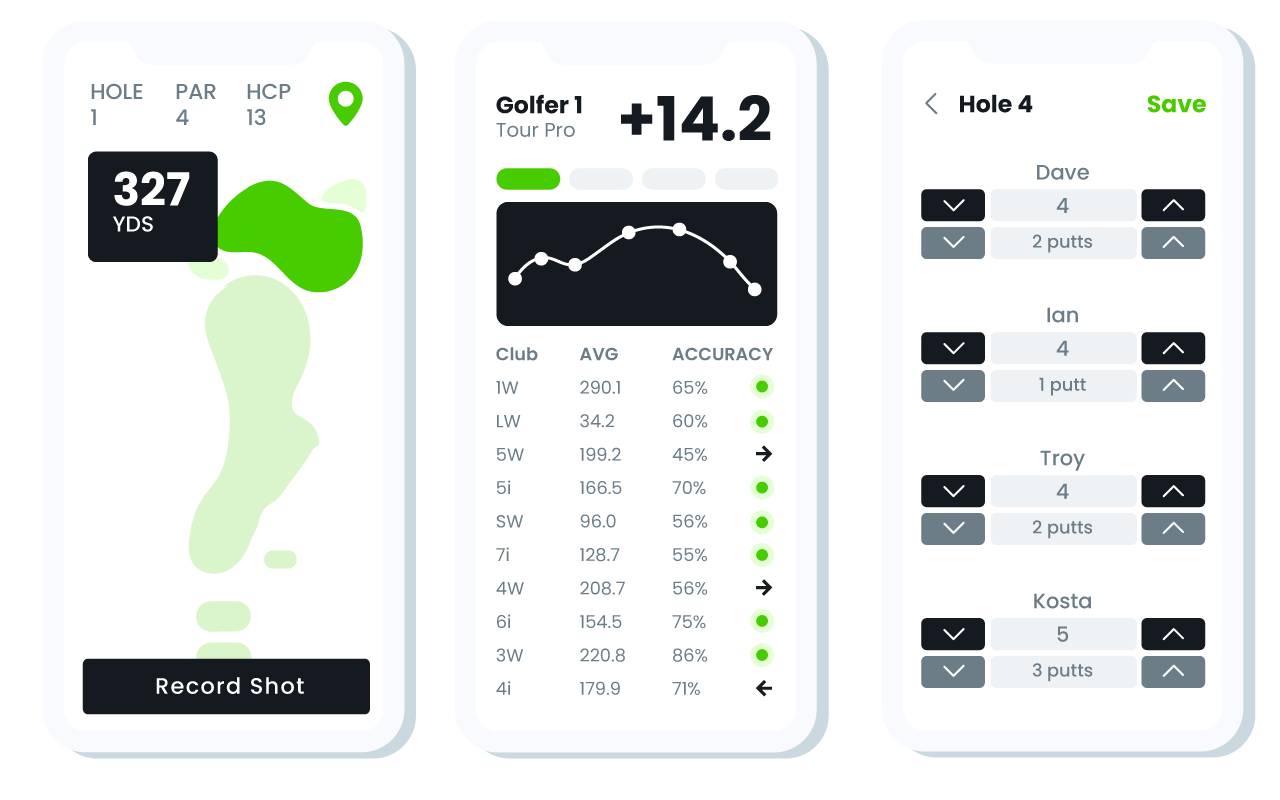
Automatic Shot Tracking
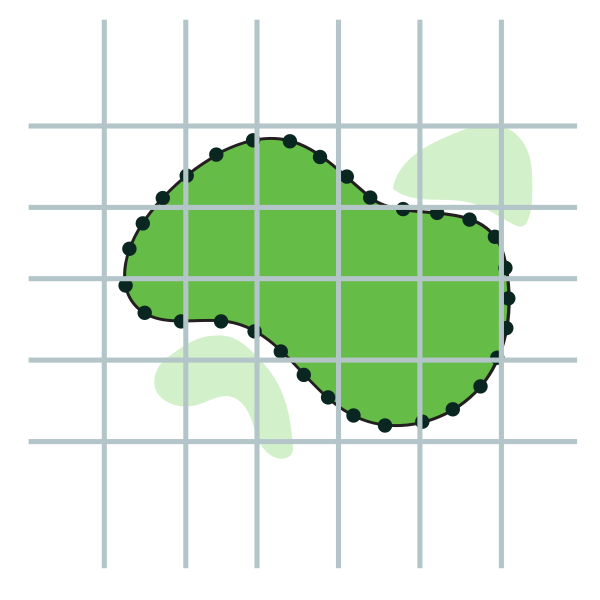
We've mapped thousands of courses, and these aren't just pretty pictures ... Since we've taken the time to map every fairway, green and hazard, the golf GPS app automatically knows where you are. CaddyTracker also calculates your shot's distance and even identifies which club you used.
-
1
Tee Off
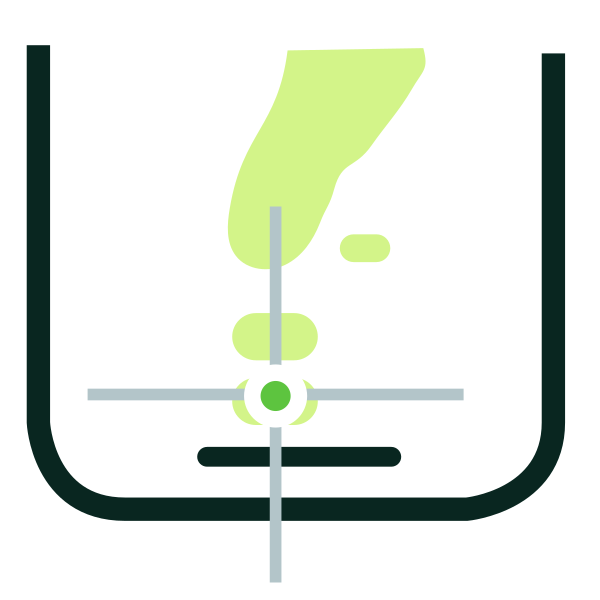
At the tee box, press Tee Off to record the most accurate distance.
-
2
Record Shot
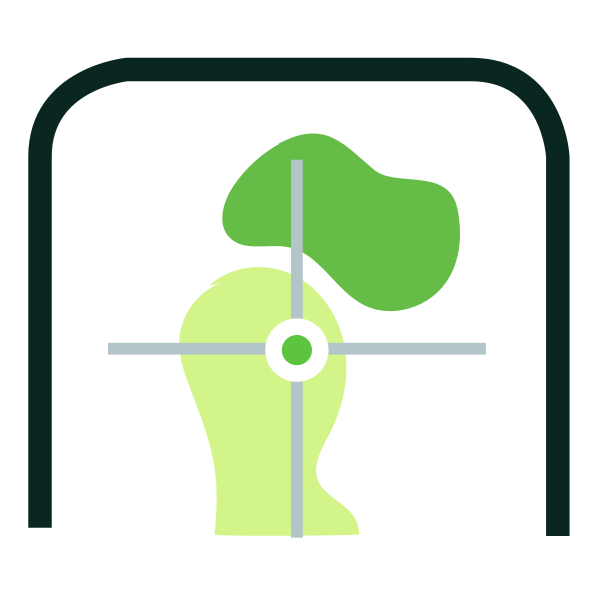
Once at your ball, press Save to save the yardage, lie, direction & club used.
-
3
Auto-Sync
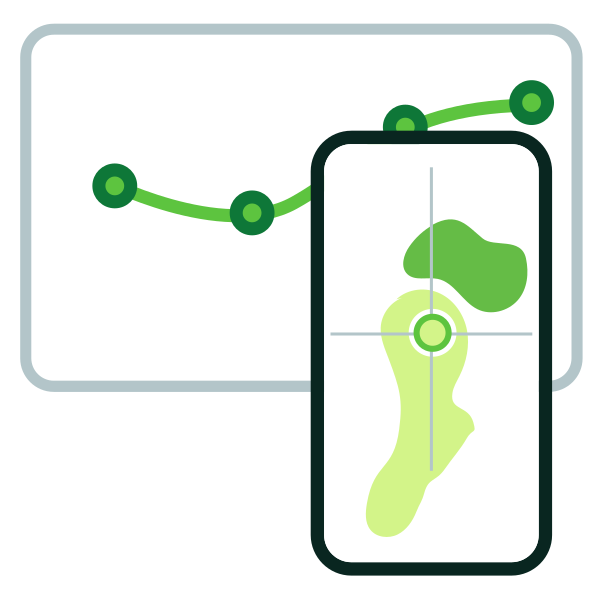
We'll sync your round to your profile — track your game with round analytics.
Quick Play
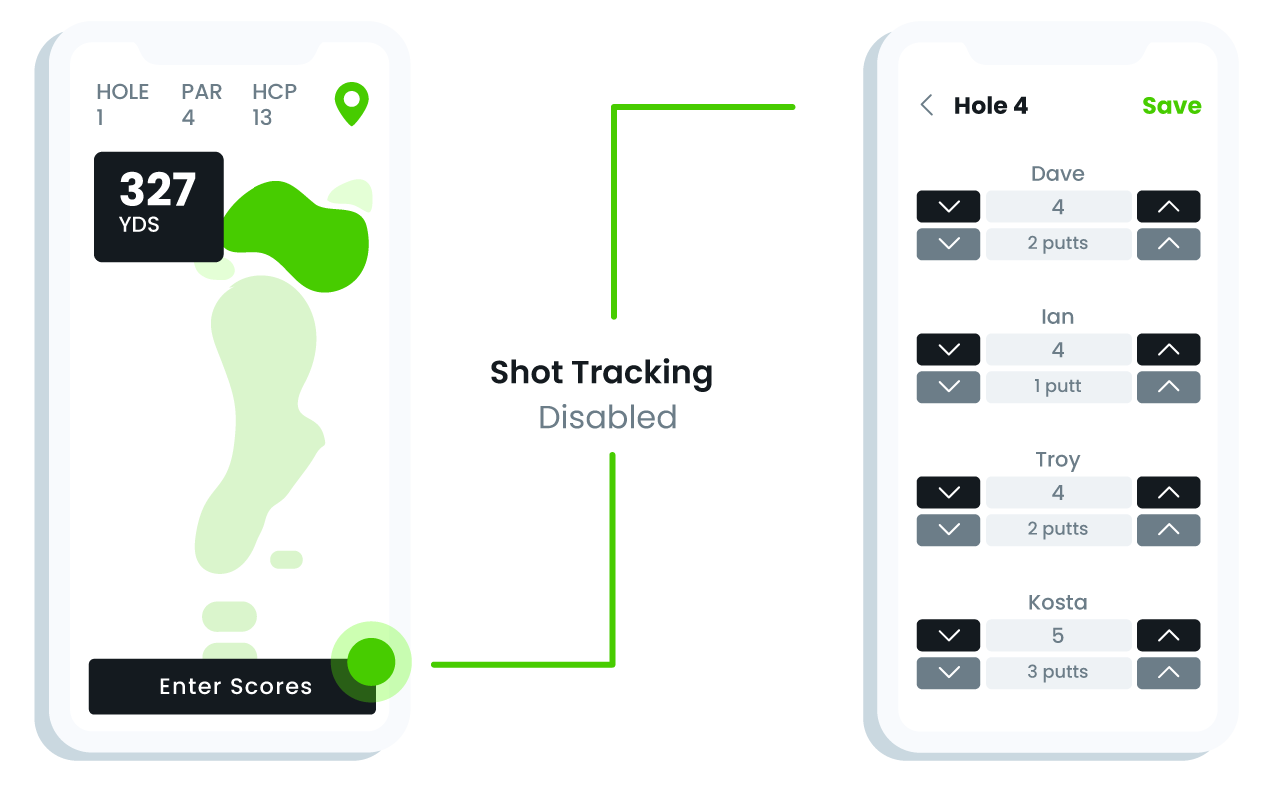
Streamline your round with QuickPlay mode: Skip shot tracking and just record the scores and putts for everyone in your foursome.
Download app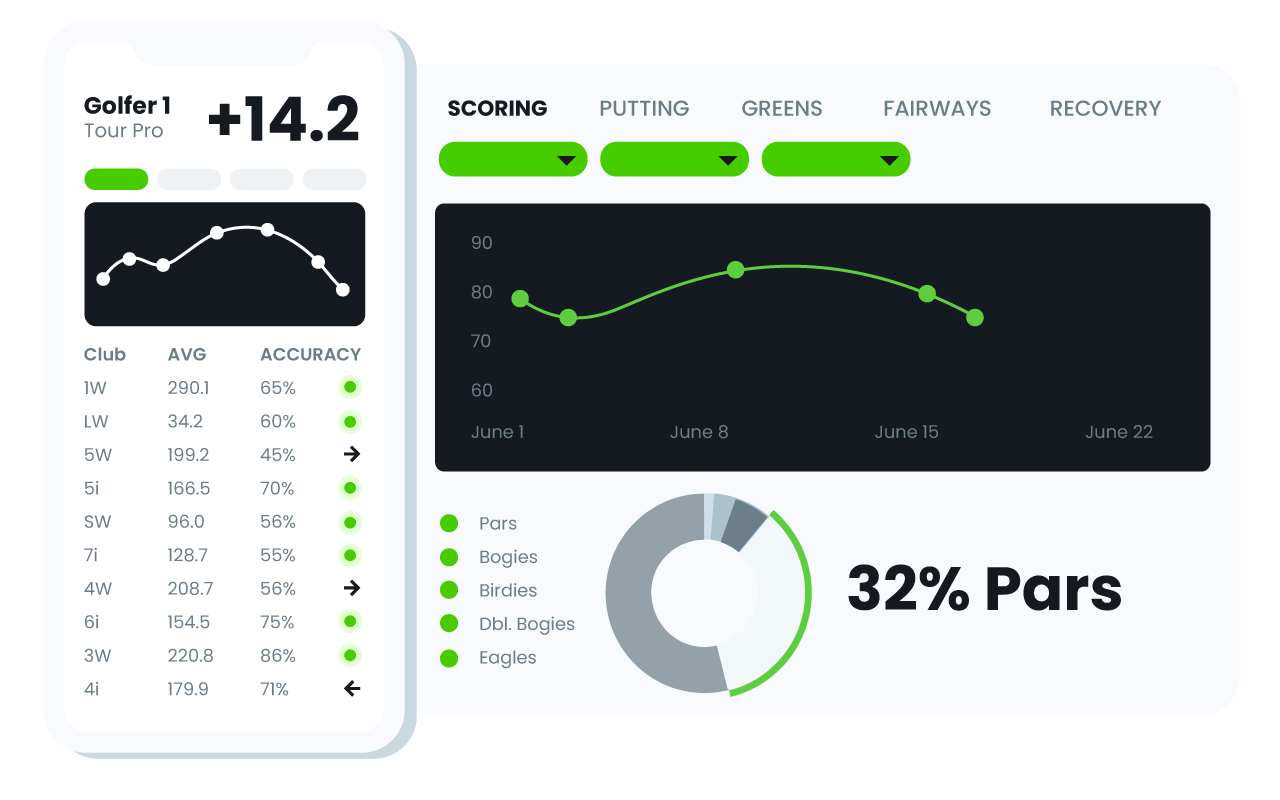

Tracking Tools
Drill into your game with in-app stat tracking tools. Track all the basics like scores, putts and greens in regulation, or dive deeper into shot-by-shot statistics and metrics on the actual clubs in your bag.
Track your gameFocus on your game, not your phone.
Use Golfbert's GPS App with one-touch automatic stat sync and we'll track your stats for you. Our app auto-detects and saves your yardage, lie, direction and club used for each shot so you don't have to stop the flow of your game.
-
Course Geodata
GPS data for every fairway, green and hazard
-
Auto-Detection
Just tap when at your ball — that's it
-
Battery Life
Play golf all day with a fully-charged iPhone